
Counter-Strike 1.3 remains one of the most iconic first-person shooter games ever released. Even after many years, thousands of players still enjoy the classic gameplay, simple mechanics, and competitive matches that made Counter-Strike a legend.
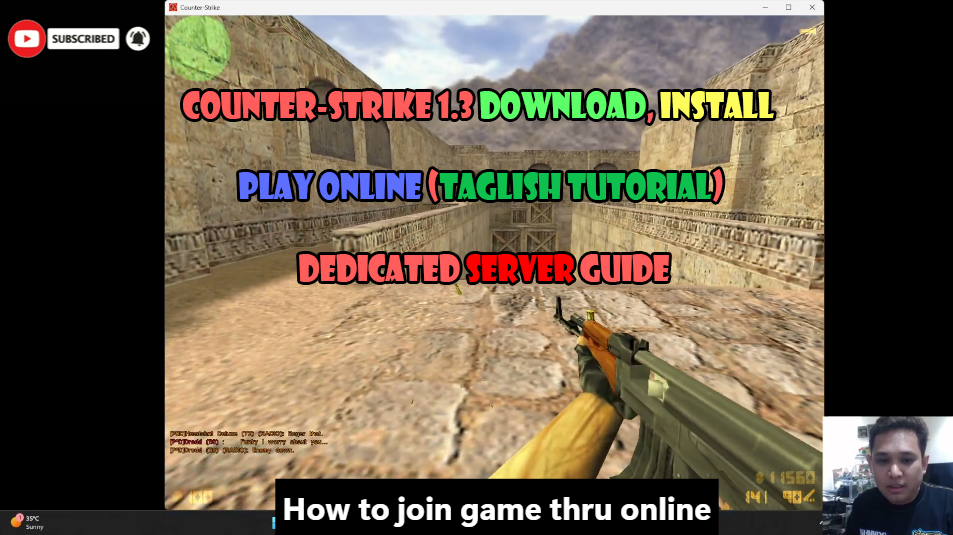
If you are looking for a simple way to download, install, and play Counter-Strike 1.3 online, this guide will walk you through the entire process.
Why People Still Play Counter-Strike 1.3
Many gamers continue to play Counter-Strike 1.3 because of its:
- Classic gameplay
- Lightweight system requirements
- Fast-paced matches
- LAN and online multiplayer support
- Nostalgic gaming experience
Unlike modern games that require powerful hardware, Counter-Strike 1.3 can run smoothly on most laptops and desktop computers.
How to Download Counter-Strike 1.3
Downloading Counter-Strike 1.3 is simple.
- Visit the download page.
- Download the game package.
- Wait for the download to complete.
- Locate the downloaded ZIP file in your Downloads folder.
The game package contains everything needed to start playing immediately.
How to Install Counter-Strike 1.3
After downloading the game files:
- Right-click the ZIP file.
- Select “Extract All”.
- Wait for the extraction process to finish.
- Open the extracted folder.
- Copy the included game folders.
- Paste them into your preferred installation location.
Once the files are copied successfully, you can launch the game using the included Counter-Strike shortcut.
The installation process only takes a few minutes and does not require complicated configuration.
How to Play Counter-Strike 1.3 Online
One of the best features of Counter-Strike 1.3 is the ability to play online with friends.
Whether your friends are in the same city or in another country, you can still enjoy multiplayer matches together.
Method 1: Connect Using Console Commands
Open the game console and enter the server address provided by the server administrator.
This method is quick and commonly used by experienced players.
Method 2: Connect Using the Add IP Feature
If you prefer a graphical interface:
- Launch Counter-Strike 1.3.
- Click Play Online.
- Open the Internet Games section.
- Click Add IP.
- Enter the server address.
- Save the server.
- Click Join Game.
This method is recommended for beginners.
Benefits of Playing on a Dedicated Server
Dedicated servers provide a better gaming experience compared to temporary local servers.
Advantages include:
- Stable online gameplay
- Better server management
- Custom game settings
- Continuous availability
- Multiplayer support for groups of friends
Dedicated servers are ideal for casual gaming sessions, tournaments, and community events.
Watch the Full Video Tutorial
For a complete step-by-step demonstration, watch the video tutorial that covers:
- Downloading Counter-Strike 1.3
- Installing the game
- Connecting to an online server
- Troubleshooting common issues
- Playing multiplayer with friends
The video is presented in Taglish (Tagalog and English) to make the instructions easier to follow.
Join the Community
If you have questions about Counter-Strike 1.3, server setup, multiplayer gaming, or dedicated server hosting, feel free to join our community.
Facebook:
https://fb.ljlambino.com
Discord:
https://discord.gg/xBGJnJzt
Final Thoughts
Counter-Strike 1.3 continues to be one of the most enjoyable classic multiplayer games available today. With a simple installation process and access to online dedicated servers, it is easier than ever to relive the classic Counter-Strike experience with friends.
Download the game, join a server, and start playing today.